
Documentation index
Status: living | Audience: everyone — start here | See also: the product README (product requirements), Implementation-Plan.md
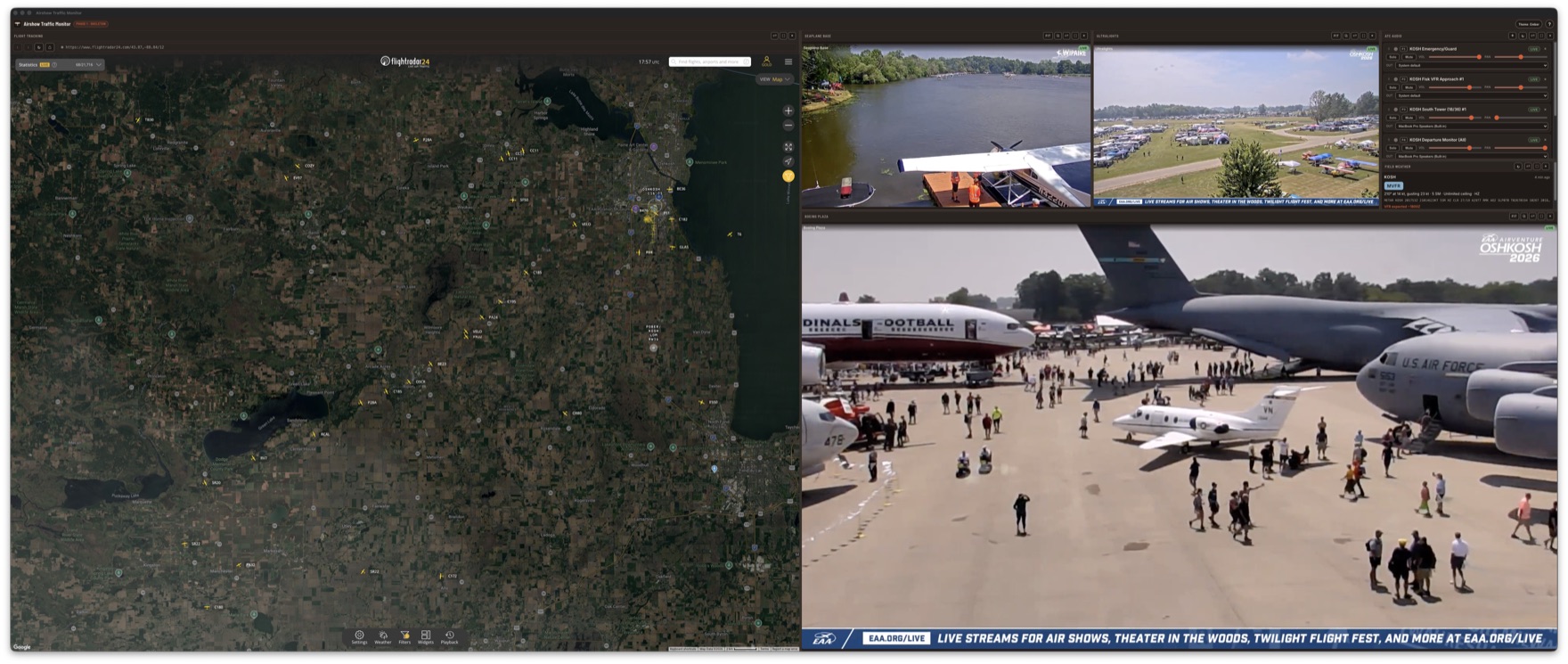
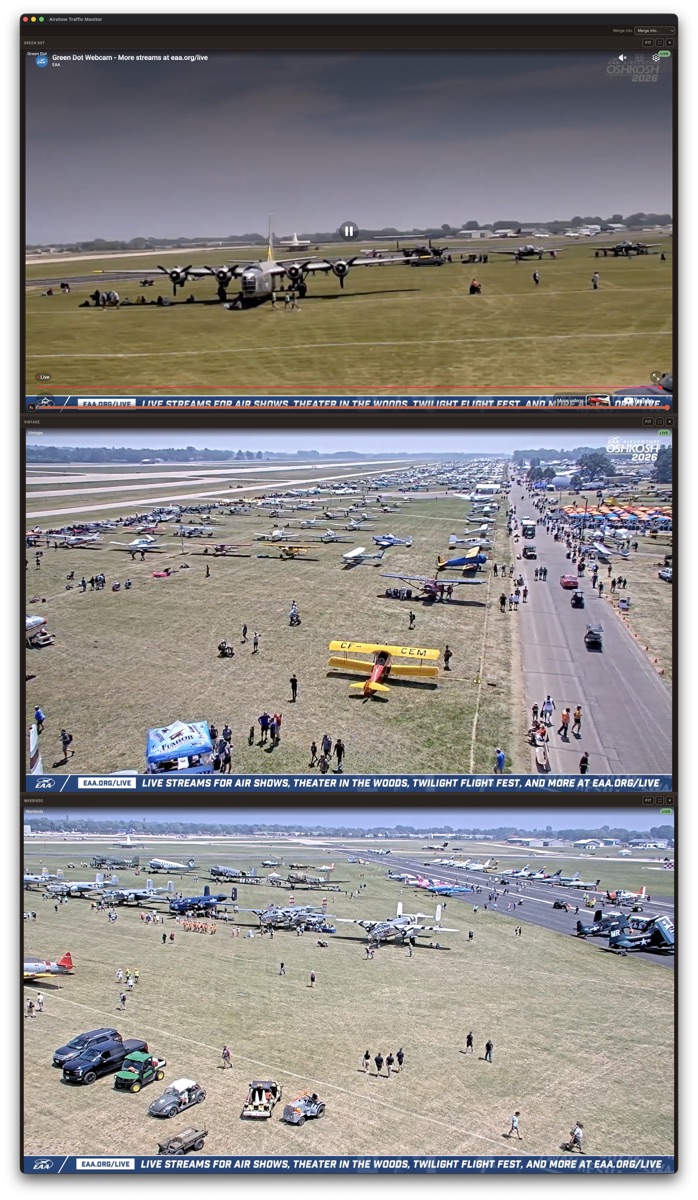
Airshow Traffic Monitor is a cross-platform desktop dashboard for watching air traffic in and out of an airshow — built first for EAA AirVenture Oshkosh. It unifies three feeds in one window: simultaneous ATC audio streams, a live YouTube video grid, and an embedded FlightRadar24 panel. This page is the documentation home; the map below is the split design-and-development tree behind it.
This tree is split by the question each half answers.
design/ answers what and why in the vocabulary of the problem — it stays implementation-agnostic so the design survives any re-platform.
development/ answers how and is free to name tools.
If a sentence in design/ names a language, library, or tool beyond a brief parenthetical, it belongs in development/ instead.
What goes where
| Location | Holds | Authoritative for |
|---|---|---|
| design/Personas.md | Guiding principle, persona index + summary matrix | Who this is for |
| design/Stakeholders/ | One contract file per persona | What each persona gives and gets |
| design/Audio.md | All sound sources: ATC streams, video audio, tracker audio | Audio behavior and its boundaries |
| design/Video.md | Live webcam grid, layouts, pop-outs | Video behavior |
| design/Tracking.md | Embedded flight-tracking panel | Tracking behavior |
| design/Weather.md | Field-weather card: current conditions, forecast, flight category | Weather behavior |
| design/Layout.md | Panel tiling, splits, drag docking, maximize, snap templates + named layouts | Main-window layout behavior |
| design/assets/ | Prototype screenshots (the baseline this app replaces) | — |
| development/TechStack.md | Stack, rationale, limitations, alternatives | Tool choices |
| Implementation-Plan.md | Forward work only: phases, dependency graph, backlog, progress log | What happens next |
| decisions/README.md | Index of inline decision stamps | Where each decision is recorded |
archive/ (created on first use) |
Completed one-time plans — nothing here describes current state | — |
| development/Pages-deployment-runbook.md | Manual Pages source-flip steps and the deploy pipeline | Publishing this site |
Reading orders
For product understanding: design/Personas.md → the three Stakeholders files → design/Audio.md, design/Video.md, design/Tracking.md → Implementation-Plan.md
For engineering understanding: development/TechStack.md → Implementation-Plan.md → root CLAUDE.md (agent context; rewritten in Phase 0)
Also under development/: Getting-Started.md (zero-knowledge clone-and-run walkthrough) and Testing.md (test tiers and guardian rules), both landed with the Phase 0 scaffold.
Conventions
- Every doc opens with a
> Status: … | Audience: … | See also: …line and defers to its sources of truth rather than duplicating them. - Decisions are recorded inline where they're made, stamped
(decision YYYY-MM-DD), with a one-line row added to decisions/README.md in the same commit. - Aspirations are marked "planned, not built" at the point of relevance.